How to Create a Remoly Account for Employees
Setting up your employee account in Remoly is quick and easy. Follow these steps:
Step 1: Sign Up
- Go to website remoly.net
- Click “Sign Up”
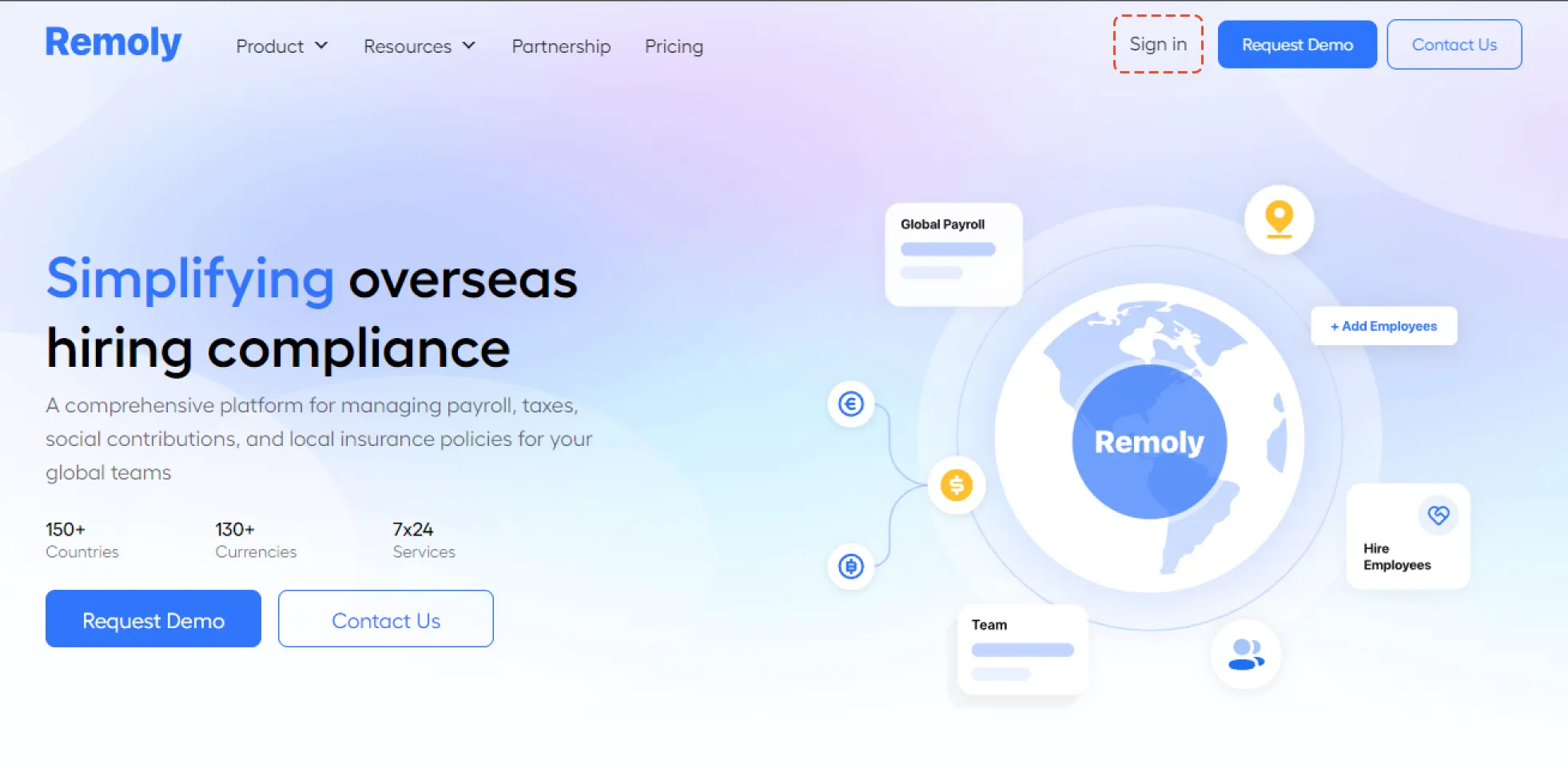
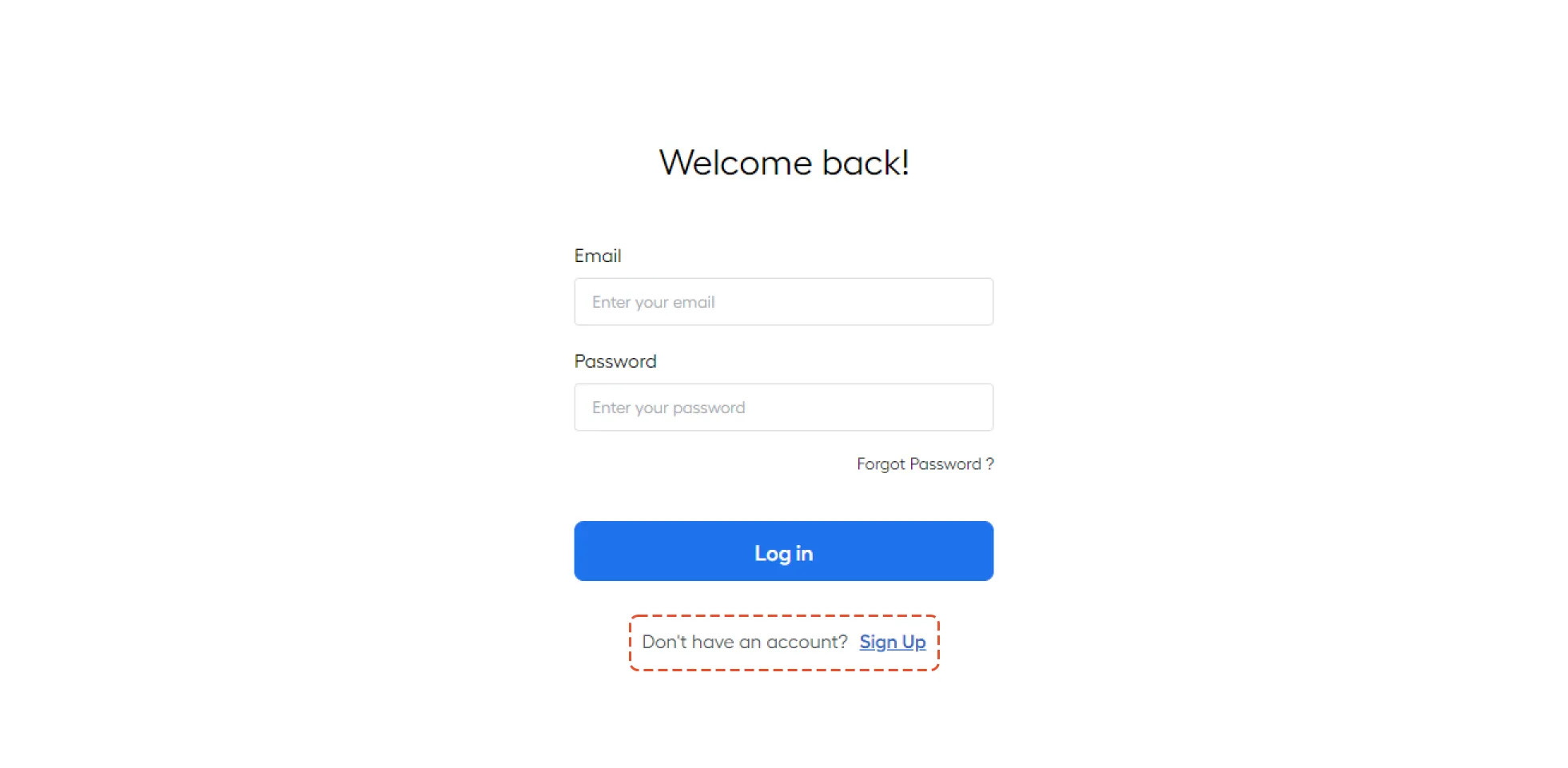
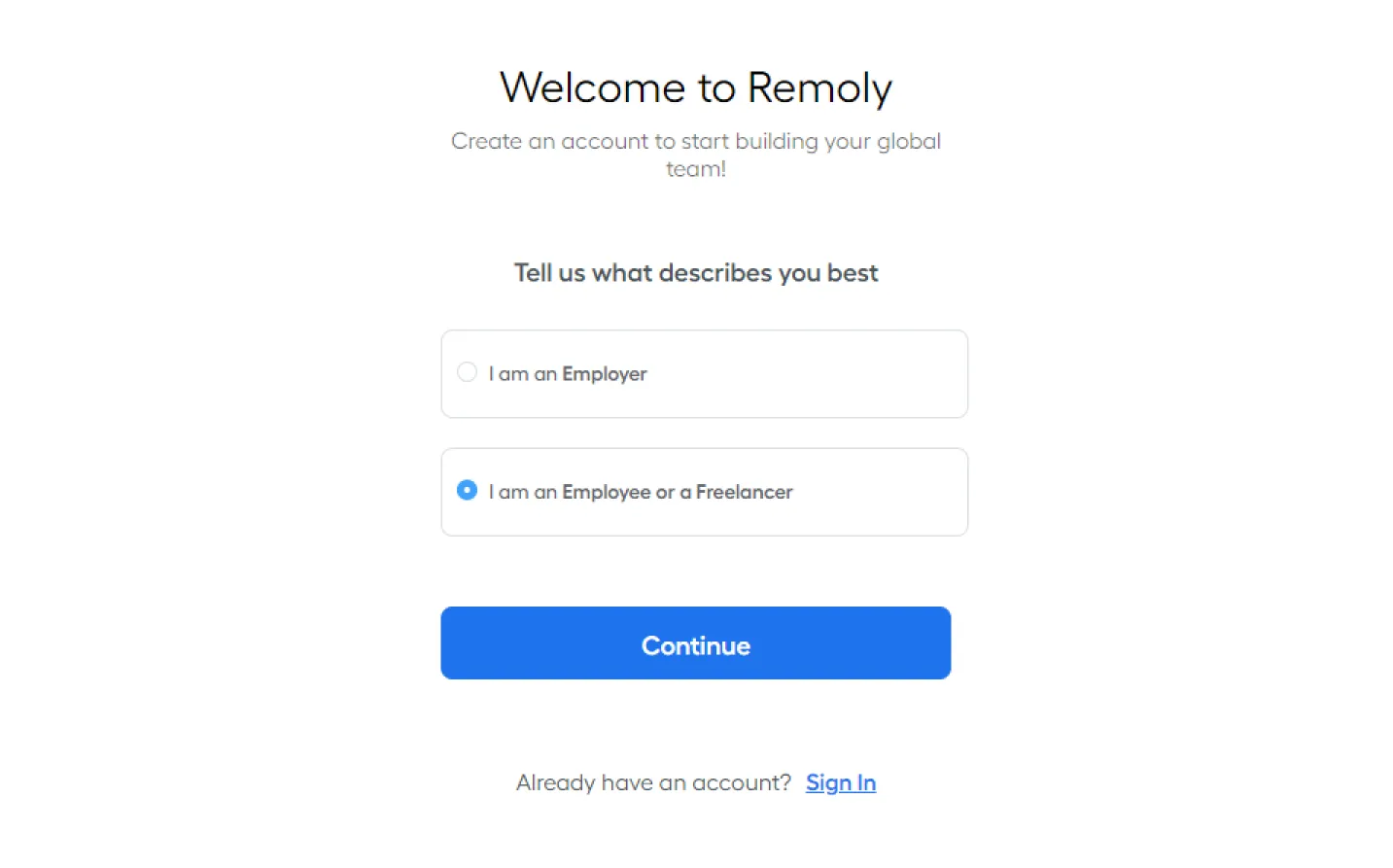
Step 2: Select Employee Option
- Choose “I am an Employee”
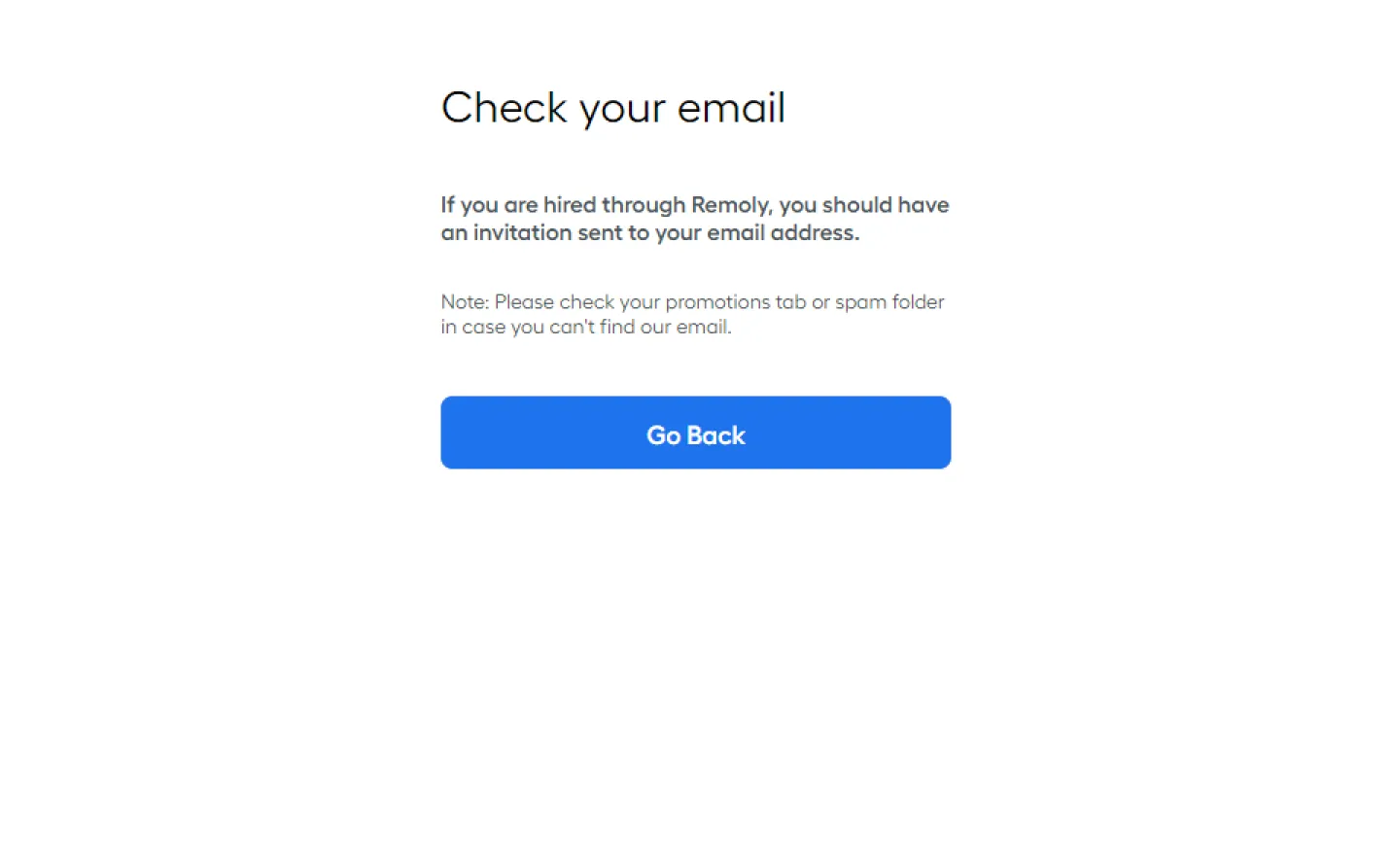
Step 3: Check Your Email
- You will receive an invitation email
- If you don’t see it, check your Promotions or Spam folder
- Follow the instructions in the email to complete your account setup
Important: Account Access Approval
Employees must receive an invitation from their supervisor for account access
The invitation should include:
- Employee name & department
- Reason for access request
- Specific account name or ID
- Any additional permissions required
Supervisors or IT will review the request and approve access based on the employee’s role
Once approved, you can log in and start using your Remoly account!
|
Your Global Employment Journey Starts Here Setting up your Remoly account is just the first step. Whether you're an employee, contractor, or employer, Remoly connects you with seamless global employment, compliant payroll, and dedicated support worldwide. Join Remoly Today |
Sources:
Remoly — Your Global EOR & Employer of Record Partner
Serving 100+ Countries & Regions Worldwide
* This article is for informational purposes only and does not constitute legal advice. For specific compliance guidance, consult a qualified professional.
Related Articles
