Steps to Modify the Personal Information of an Employee
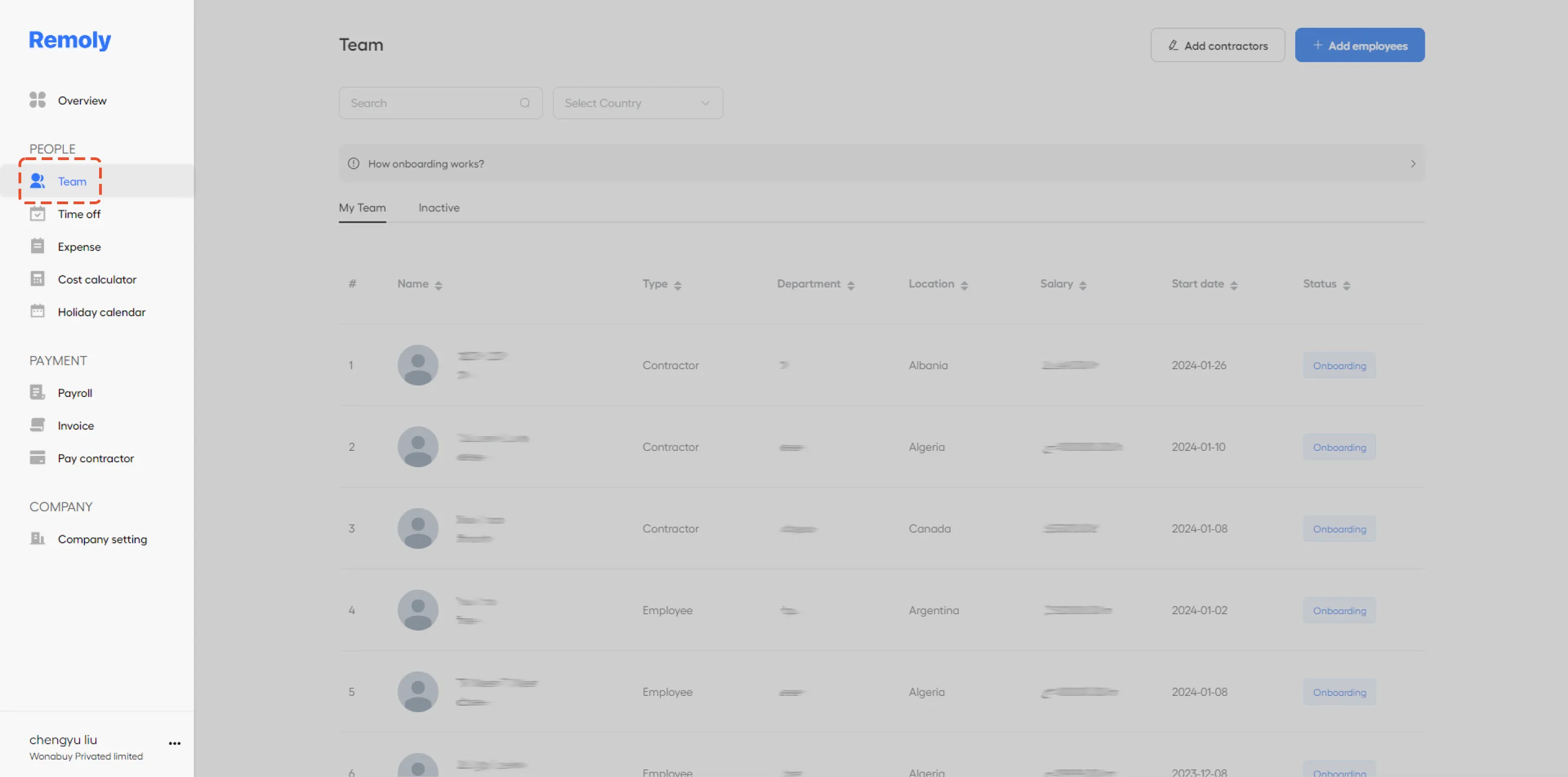
Step 1: Access the Team Section
Begin by navigating to the "Team" section within your backend system. This area typically manages all team-related functions and employee details.
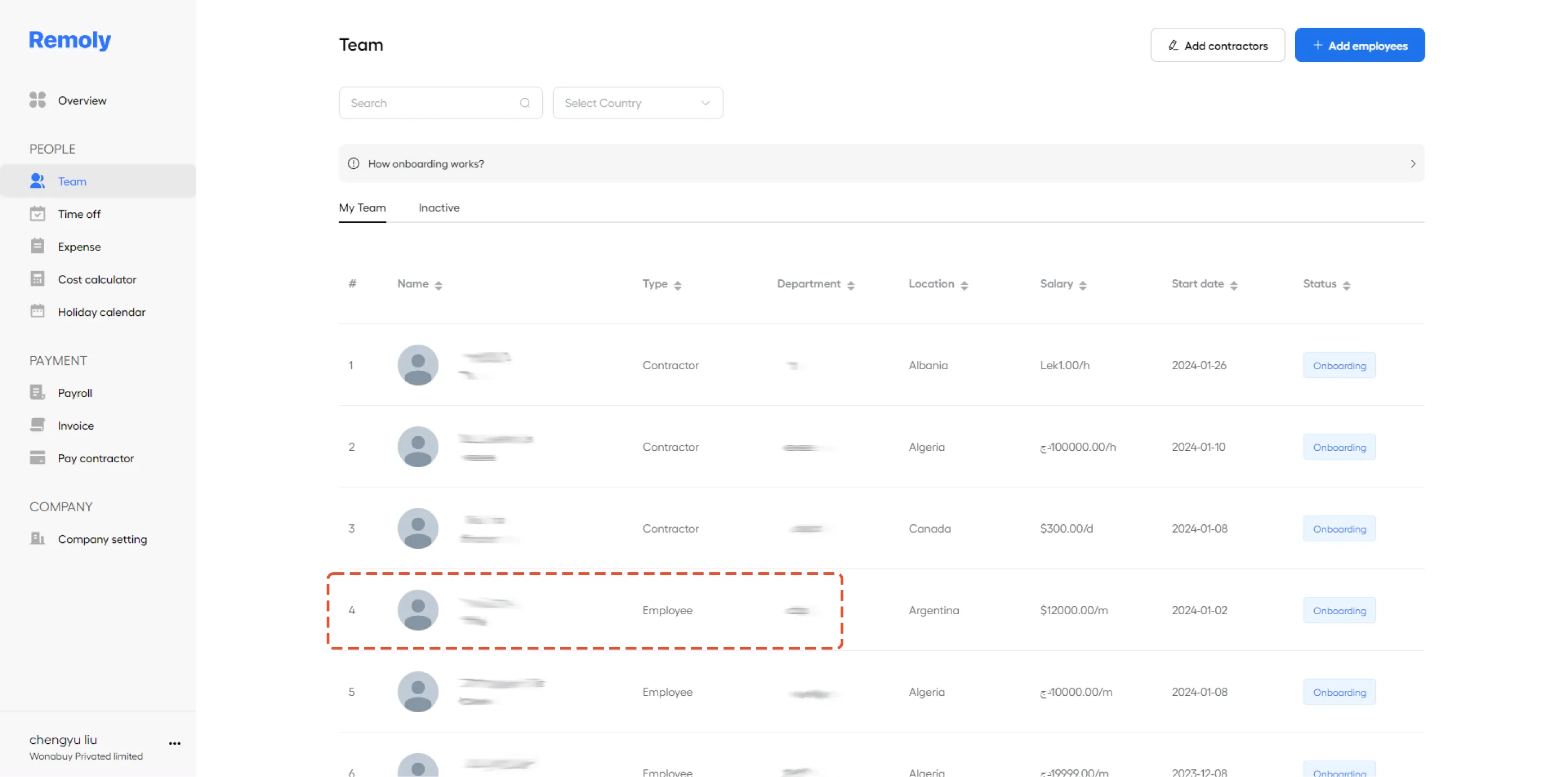
Step 2: Find and Select the Employee
In the "Team" section, locate the employee whose information you wish to update. Click on their name to open their personal profile or details page.
Step 3: Update or Edit Their Personal Information
Once in the employee’s profile, you can update or edit their personal information. This includes modifying details such as billing address, home address, and any other relevant information. Make the necessary changes to ensure their details are current and accurate.
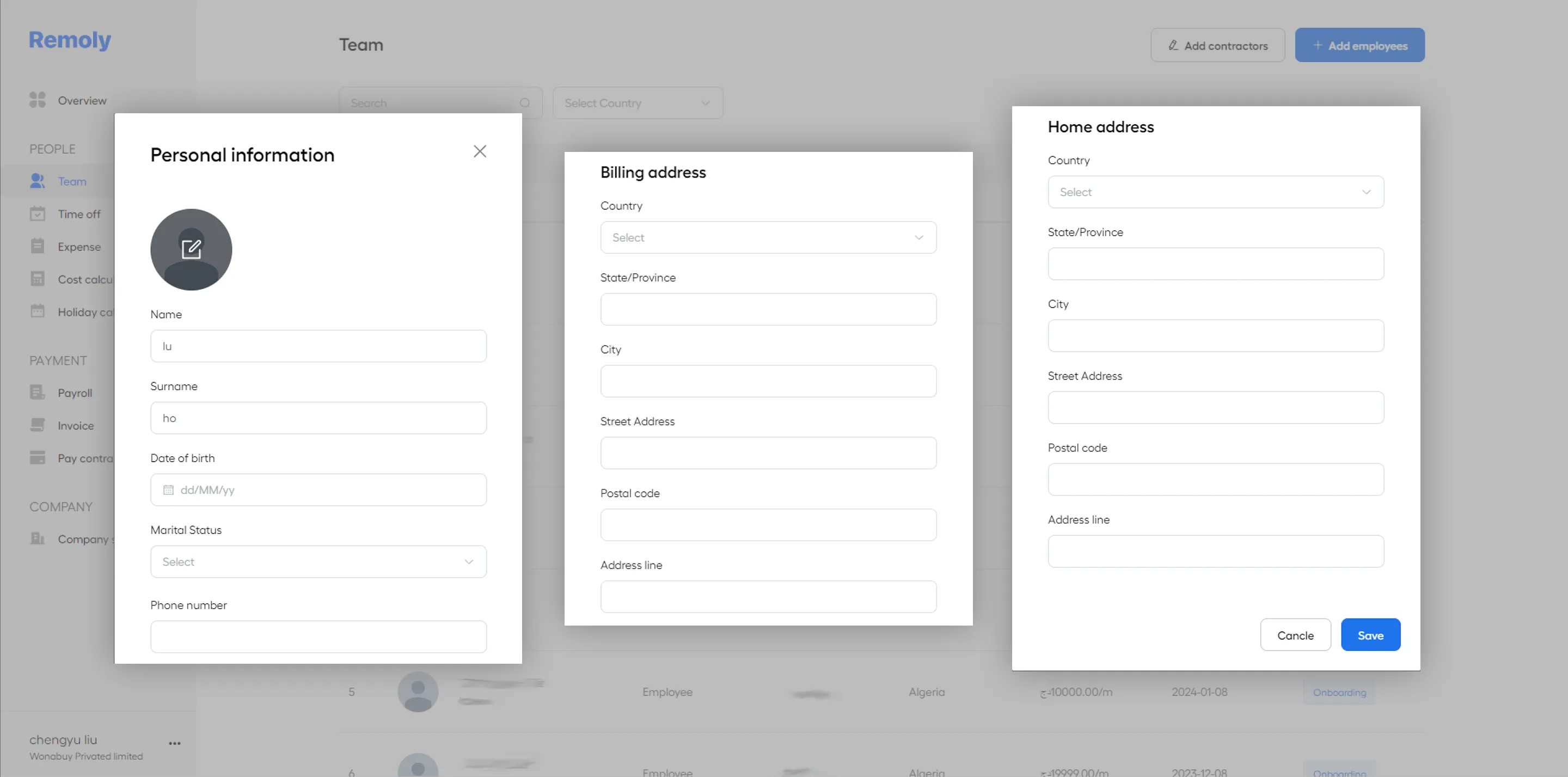
Step 4: Save Changes
After updating the personal information, make sure to click the "Save" button to apply the changes. This will ensure that all modifications are recorded and updated in the system.
|
Centralize Your Employee Data Management Managing employee information shouldn't be a chore. Remoly provides a unified HR platform to handle employee records, benefits, payroll, and compliance across all the countries where you operate. Learn About Remoly's HR Platform |
Sources:
Remoly — Your Global EOR & Employer of Record Partner
Serving 100+ Countries & Regions Worldwide
* This article is for informational purposes only and does not constitute legal advice. For specific compliance guidance, consult a qualified professional.
Related Articles
