Steps to Update Personal Information for a Contractor
Keeping contractor records up-to-date is crucial for accurate communication and billing. Follow these simple steps to update a contractor's personal information:
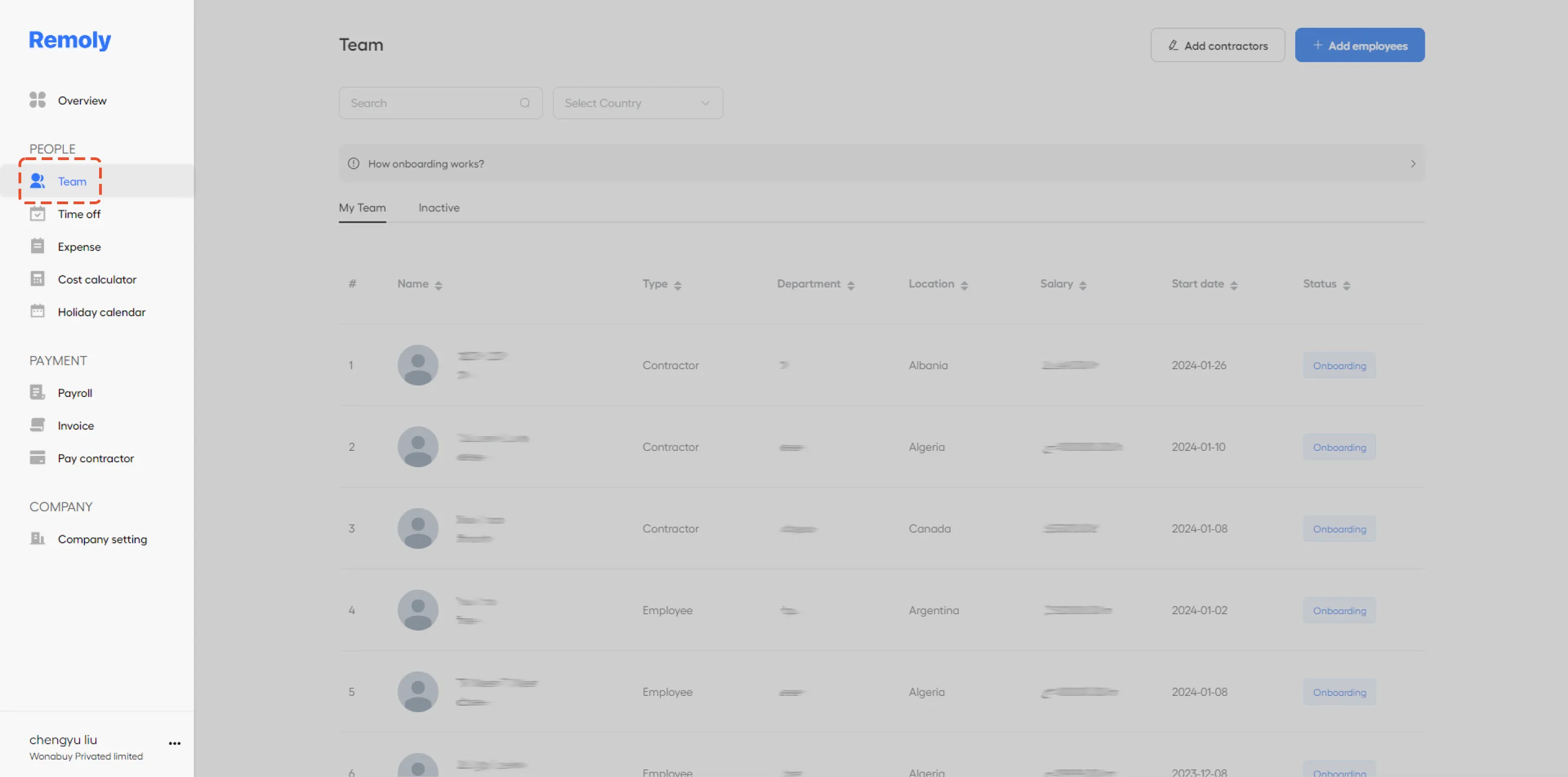
1. Access the Team Section
Navigate to the 'Team' section of your management platform. This area contains all team members and contractors.
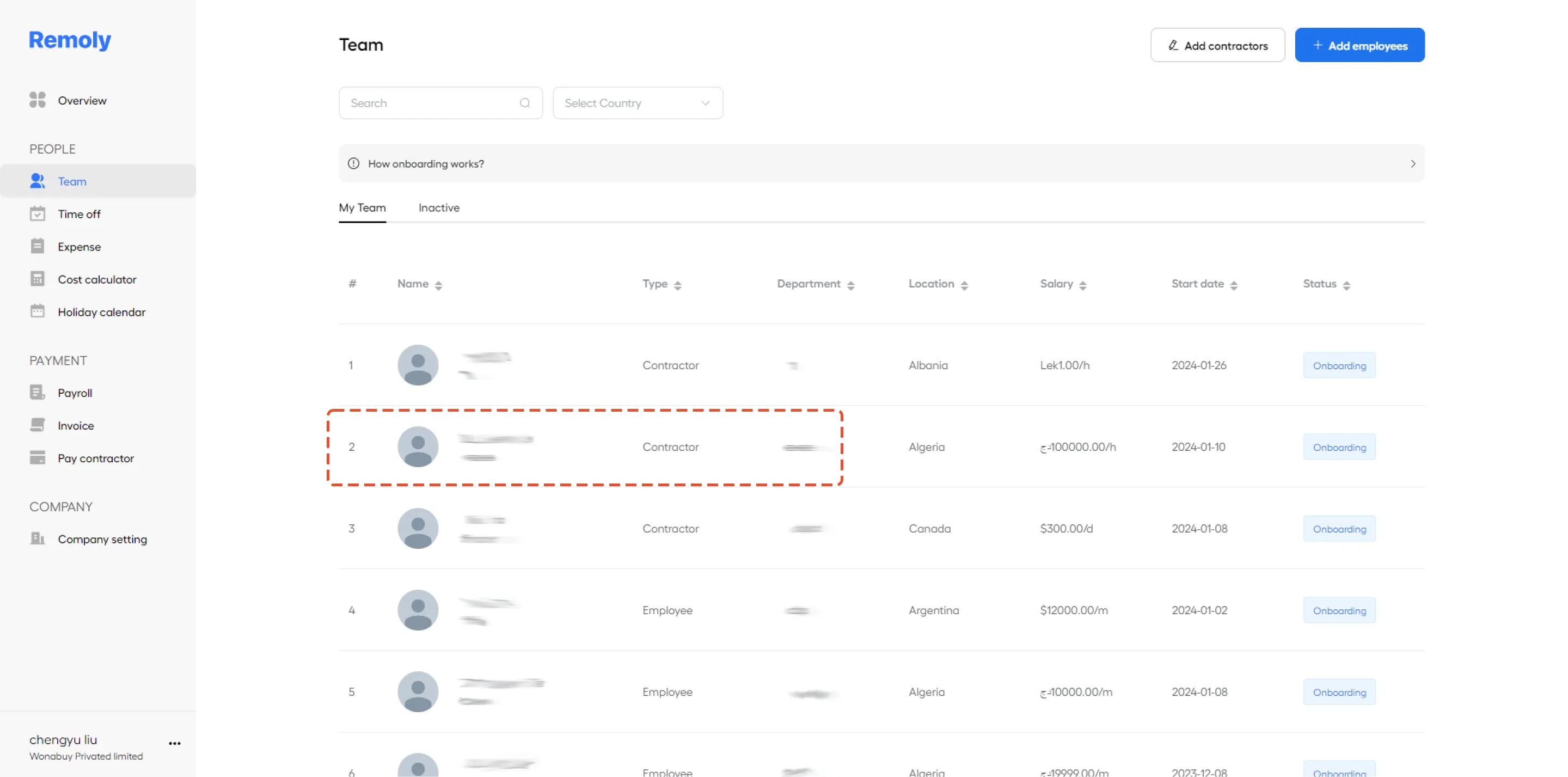
2. Select the Contractor's Profile
Find and click on the name of the contractor whose information you need to update. This will open their profile details.
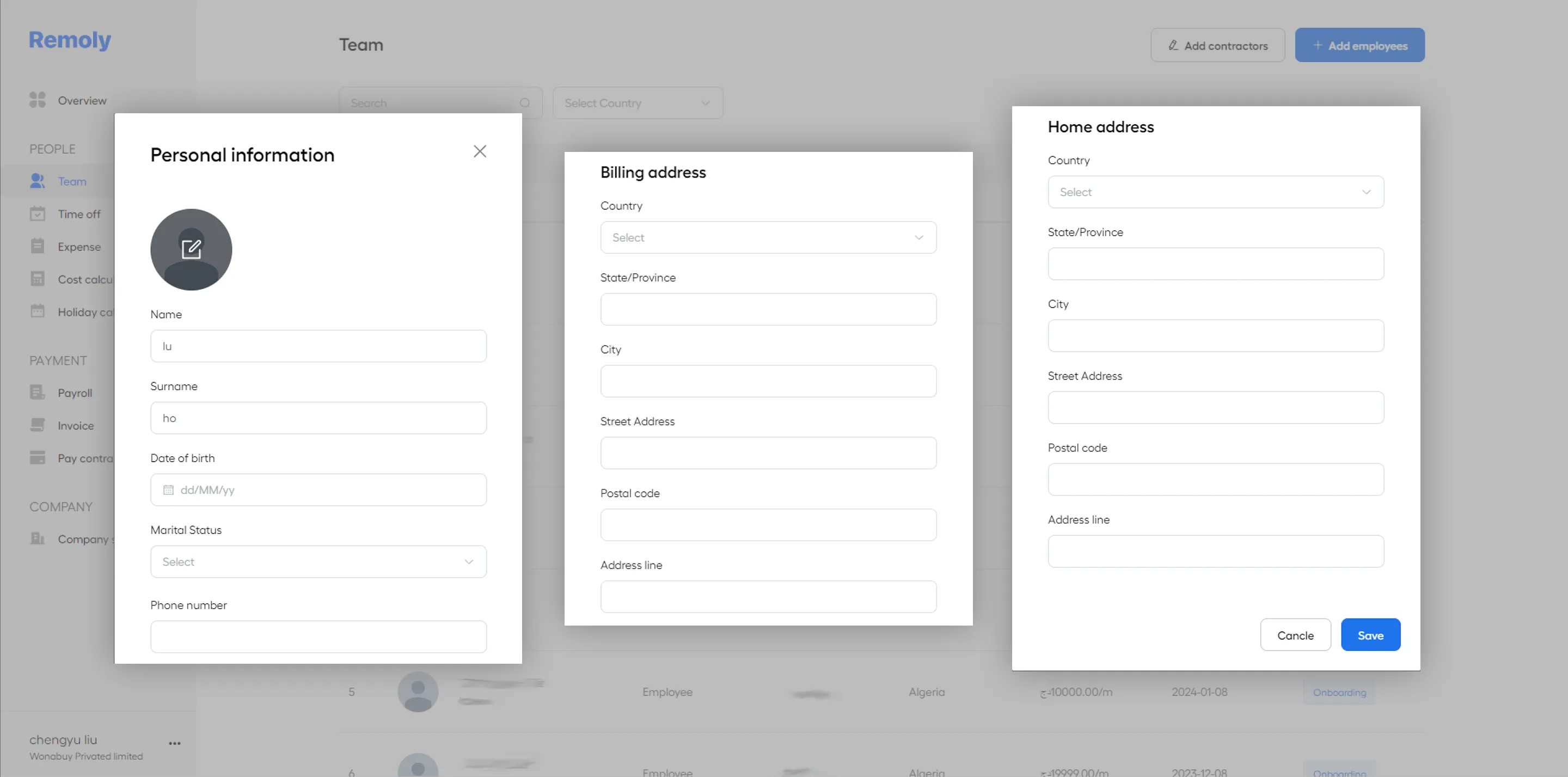
3. Edit Personal Information
In the contractor's profile, you can modify or enter new details. Update personal information such as the contractor's name, billing address, or home address as required.
4. Save Your Changes
Once you’ve made the necessary updates, ensure you save the changes to keep the information current and accurate. By following these steps, you ensure that contractor information is always up-to-date, streamlining communication and administrative processes.
|
Keep Your Contractor Records Accurate and Compliant Accurate contractor records are essential for smooth operations and regulatory compliance. Remoly helps you manage contractor profiles, contracts, payments, and documents — all in one centralized platform. Start Managing Contractors Better |
Sources:
Remoly — Your Global EOR & Employer of Record Partner
Serving 100+ Countries & Regions Worldwide
* This article is for informational purposes only and does not constitute legal advice. For specific compliance guidance, consult a qualified professional.
Related Articles
