Steps to Modify Payment Details for an Employee
Updating payment details for an employee is a straightforward process in Remoly. Follow these simple steps to ensure the information is accurate:
1. Go to the Team Section
Start by accessing the Team section from the main menu. This is where you can manage all employee-related information.
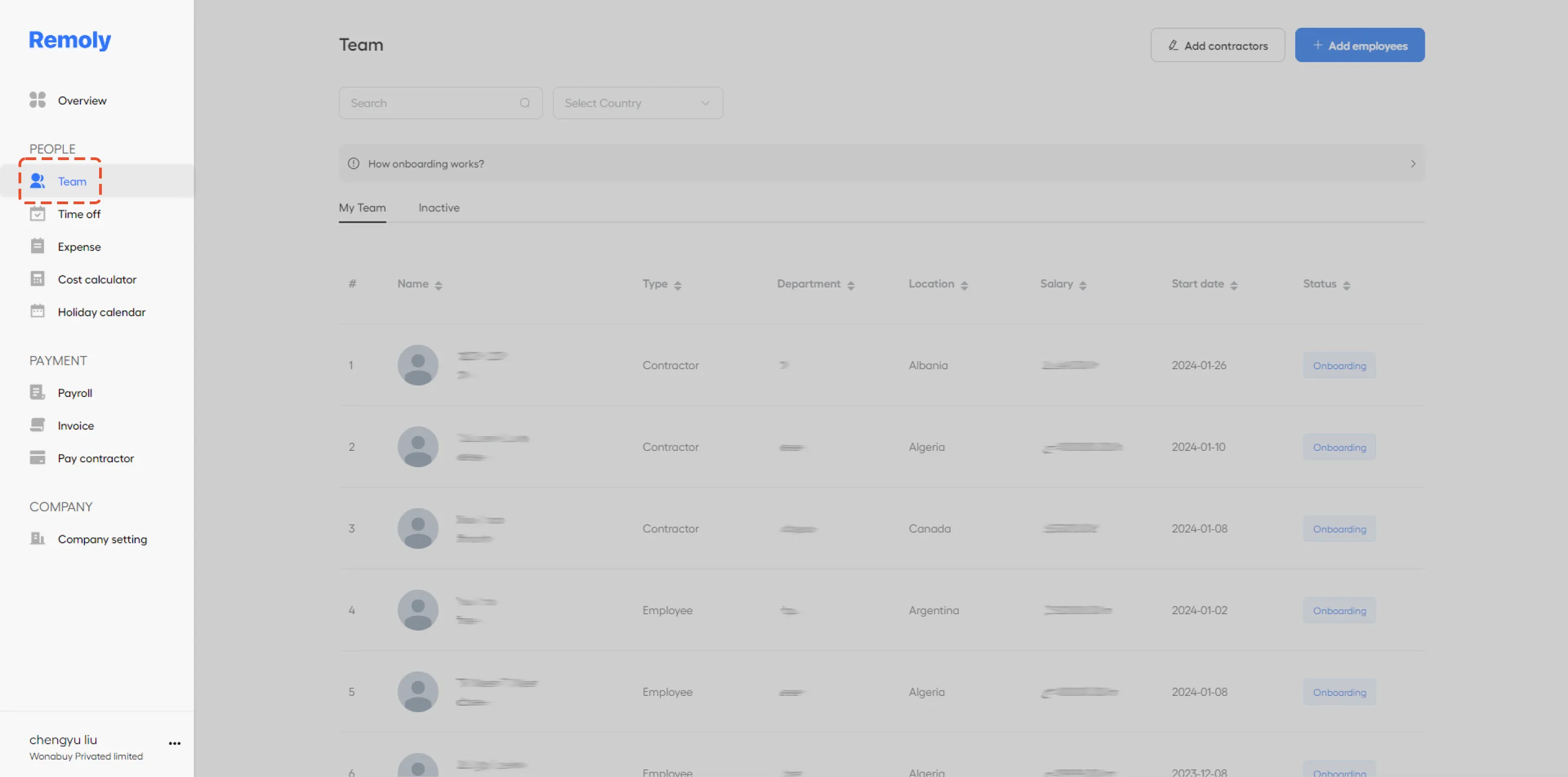
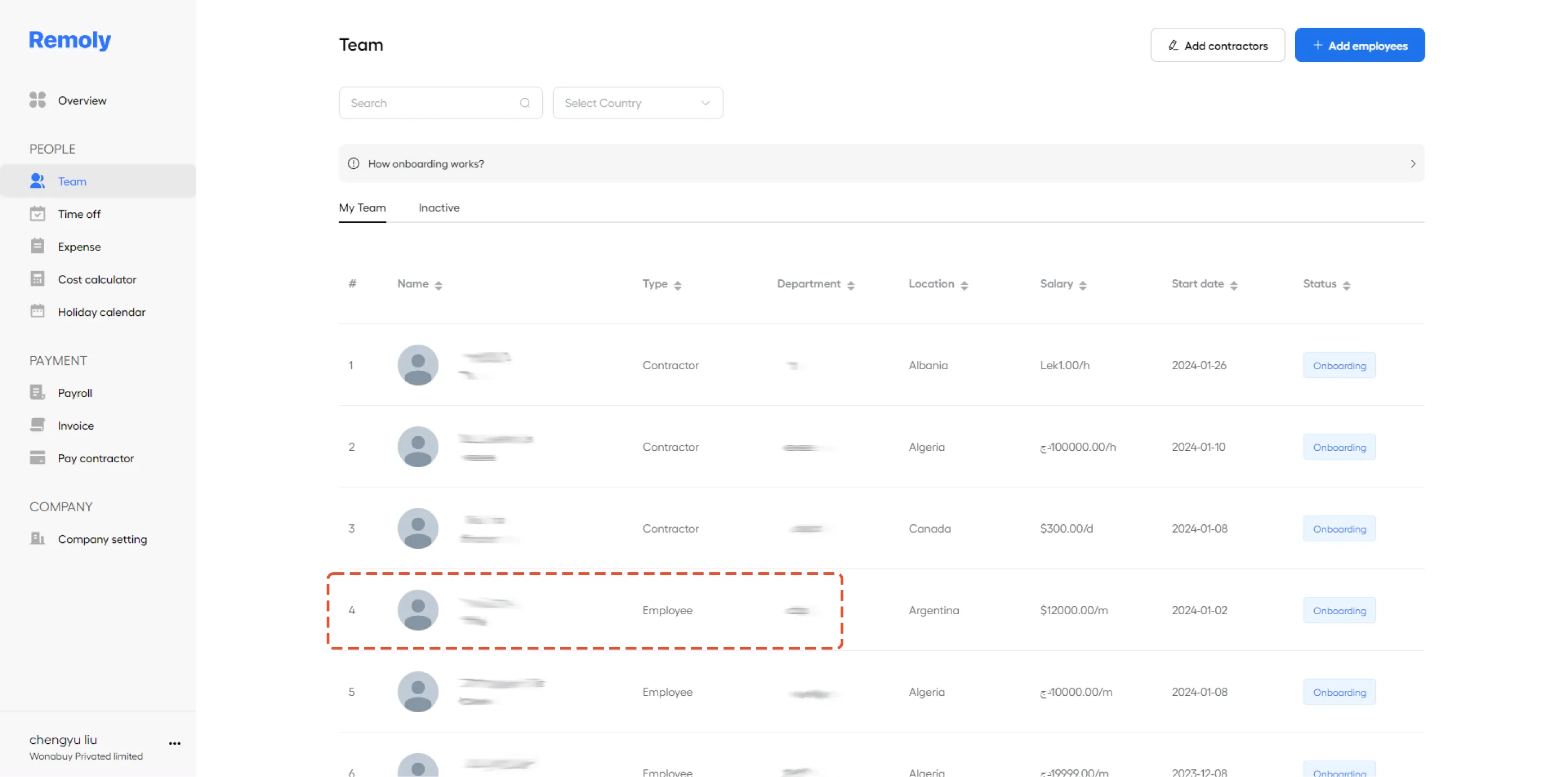
2. Select the Employee's Name
In the Team section, find and click on the specific employee whose payment details you need to update. This will open their profile.
3. Open the Payment Details Tab
Once you're in the employee's profile, look towards the top of the page for the Payment Details tab. Click on it to access the payment information.
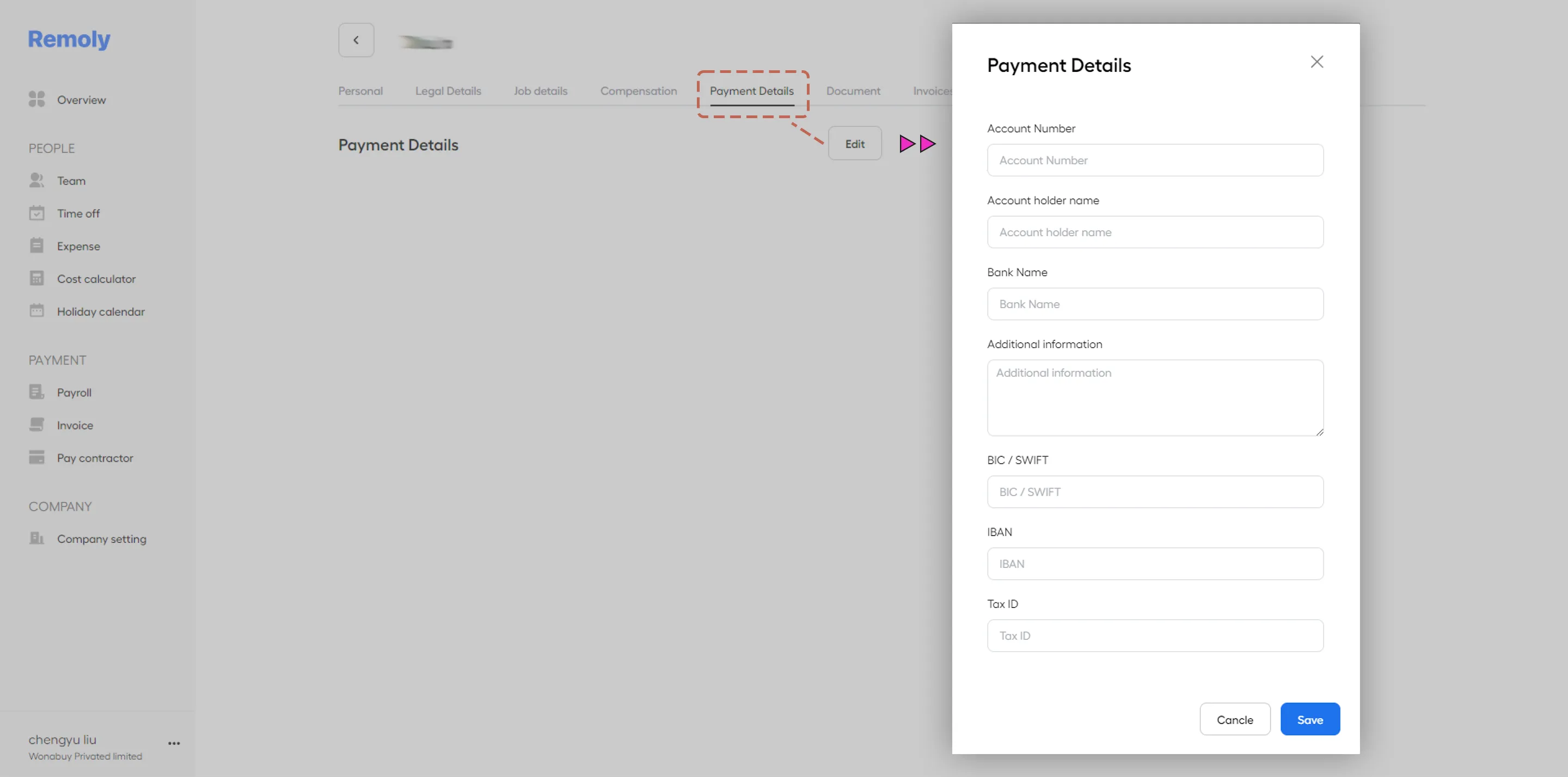
4. Update and Save the Information
In the Payment Details tab, you can either input new information or modify existing details. After making the necessary changes, make sure to save them to ensure the updates are applied.
By following these steps, you can easily keep your employee's payment details up to date in Remoly.
|
Global Payroll Made Simple Managing employee payment details across borders is challenging. Remoly's global payroll solution handles multi-country payroll, tax calculations, and compliance — all in one platform. Pay your team accurately, every time. Explore Global Payroll |
Sources:
Remoly — Your Global EOR & Employer of Record Partner
Serving 100+ Countries & Regions Worldwide
* This article is for informational purposes only and does not constitute legal advice. For specific compliance guidance, consult a qualified professional.
Related Articles